Device Longevity: Maintenance, Optimization & Protection
About this course
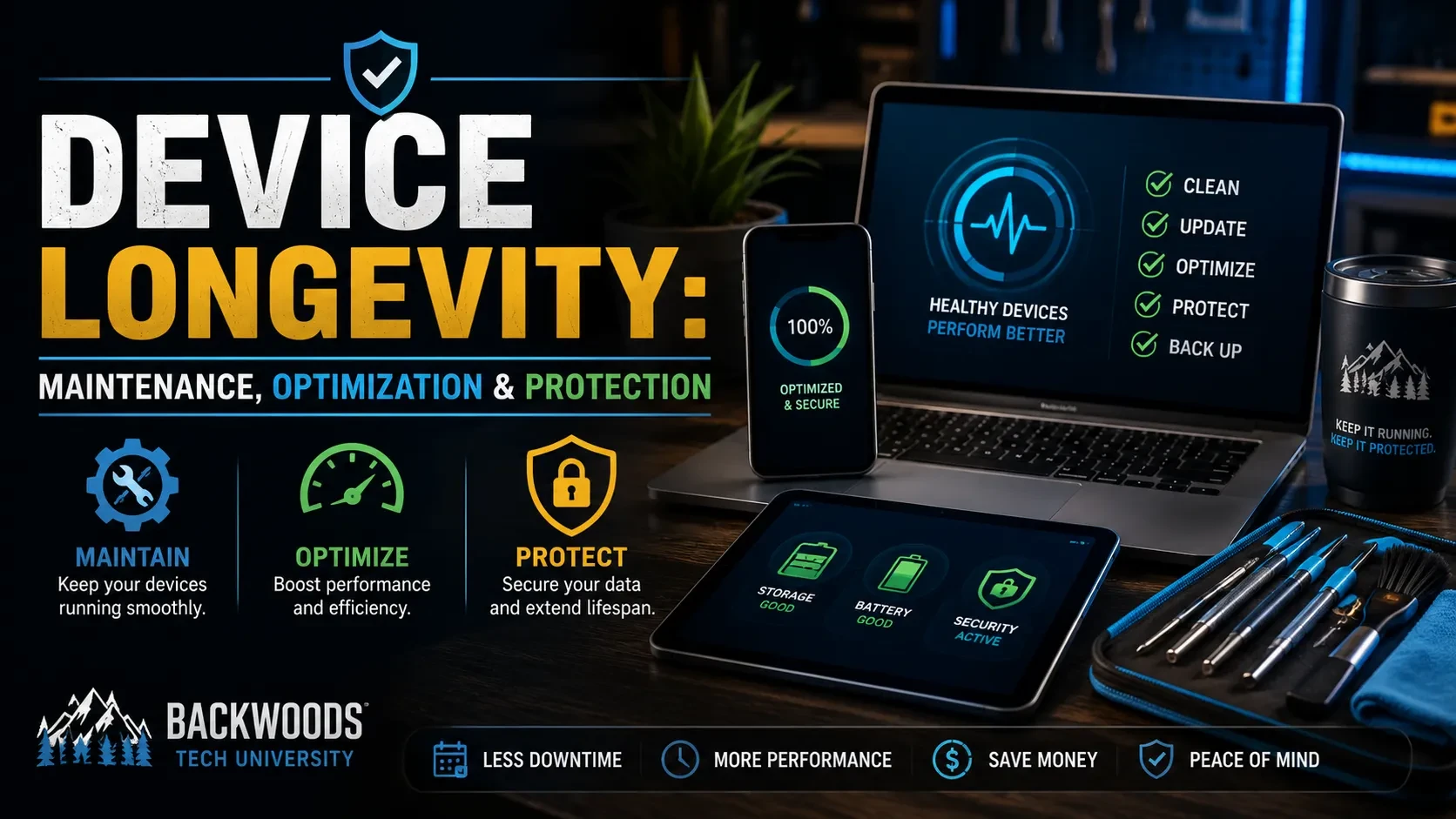
This course provides hands-on instruction in maintaining, optimizing, and protecting today's most common devices, including desktop computers, laptops, smartphones, and tablets. Students will learn industry-recommended maintenance procedures designed to improve performance, extend device lifespan, reduce hardware failures, and minimize security risks.
Throughout the course, you will explore preventative maintenance techniques for Windows, macOS, Linux, Android, and iOS devices. Topics include hardware inspections, system updates, storage management, malware prevention, performance optimization, battery health, backup strategies, cleaning procedures, and troubleshooting best practices.
By the end of this course, you will be able to confidently create maintenance schedules, identify potential issues before they become major problems, and apply practical techniques that keep devices running securely and efficiently.
This course is designed for entry-level and intermediate students, aspiring IT professionals, small business owners, and anyone who wants to maximize the reliability and longevity of their technology investments.
Course curriculum
1.
Course Contents
6 lessons
- 1

Welcome Aboard!
- 2
Lesson 1: The What
- 3
Lesson 2: The Why
- 4
Lesson 3: The How
- 5
Lesson 4: The Checklist
- 6
What's Next?

Device Longevity: Maintenance, Optimization & Protection
Whether you're maintaining your own devices, supporting family members, or preparing for a career in IT, proper preventative maintenance is one of the most valuable skills you can develop. This course provides hands-on instruction in maintaining, optimizing, and protecting today's most common devices, including desktop computers, laptops, smartphones, and tablets. Students will learn industry-recommended maintenance procedures designed to improve performance, extend device lifespan, reduce hardware failures, and minimize security risks. Throughout the course, you will explore preventative maintenance techniques for Windows, macOS, Linux, Android, and iOS devices. Topics include hardware inspections, system updates, storage management, malware prevention, performance optimization, battery health, backup strategies, cleaning procedures, and troubleshooting best practices. By the end of this course, you will be able to confidently create maintenance schedules, identify potential issues before they become major problems, and apply practical techniques that keep devices running securely and efficiently. This course is designed for entry-level and intermediate students, aspiring IT professionals, small business owners, and anyone who wants to maximize the reliability and longevity of their technology investments.
US$ 50
1 members