Motion Design with After Effects
About this course
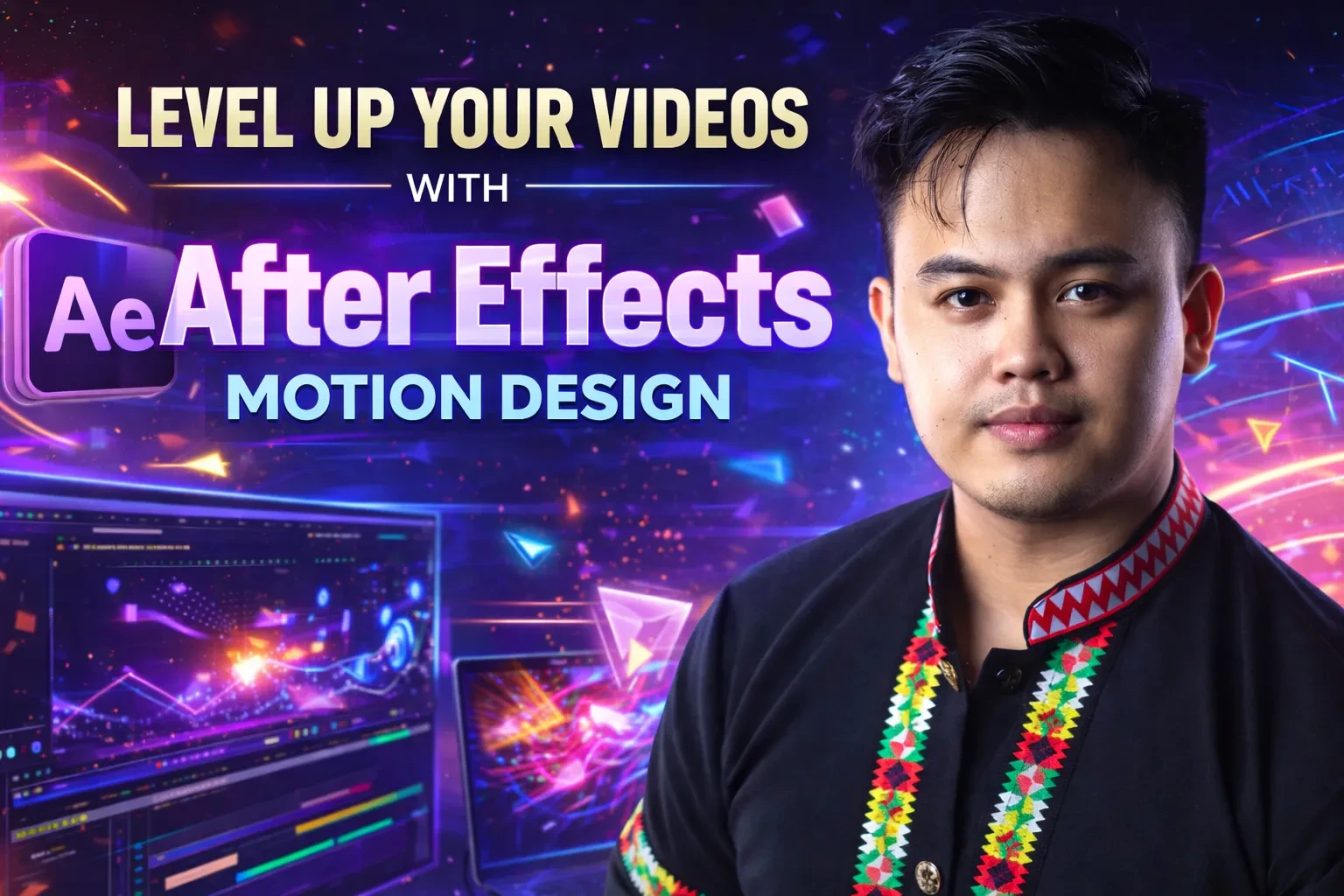
Motion Design with After Effects is a practical step-by-step course designed for beginners and aspiring creatives who want to create professional motion graphics, cinematic animations, and eye-catching visual content using Adobe After Effects.
Inside this course, members will learn how to confidently navigate After Effects, understand the essential tools, and build strong fundamentals in animation and motion design. You’ll discover how to create smooth keyframe animations, text motion graphics, logo animations, transitions, shape animations, and visually engaging social media content.
This course also covers important creative principles such as timing, easing, speed graphs, composition, layering, and workflow techniques that help make animations look polished and professional. Members will learn how to combine effects, use presets efficiently, organize projects properly, and export high-quality videos for platforms like Instagram, TikTok, YouTube, and client work.
As the course progresses, you’ll move beyond basics and start creating real-world projects that build your portfolio and confidence. Whether you want to become a freelance editor, content creator, designer, or simply level up your skills, this course is built to help you produce motion designs that stand out.
Course curriculum
1.
Course Contents
13 lessons
- 1
Module 1: AE Interface
- 2
Module 2: Pen Tool
- 3
Module 3: Keyframe
- 4
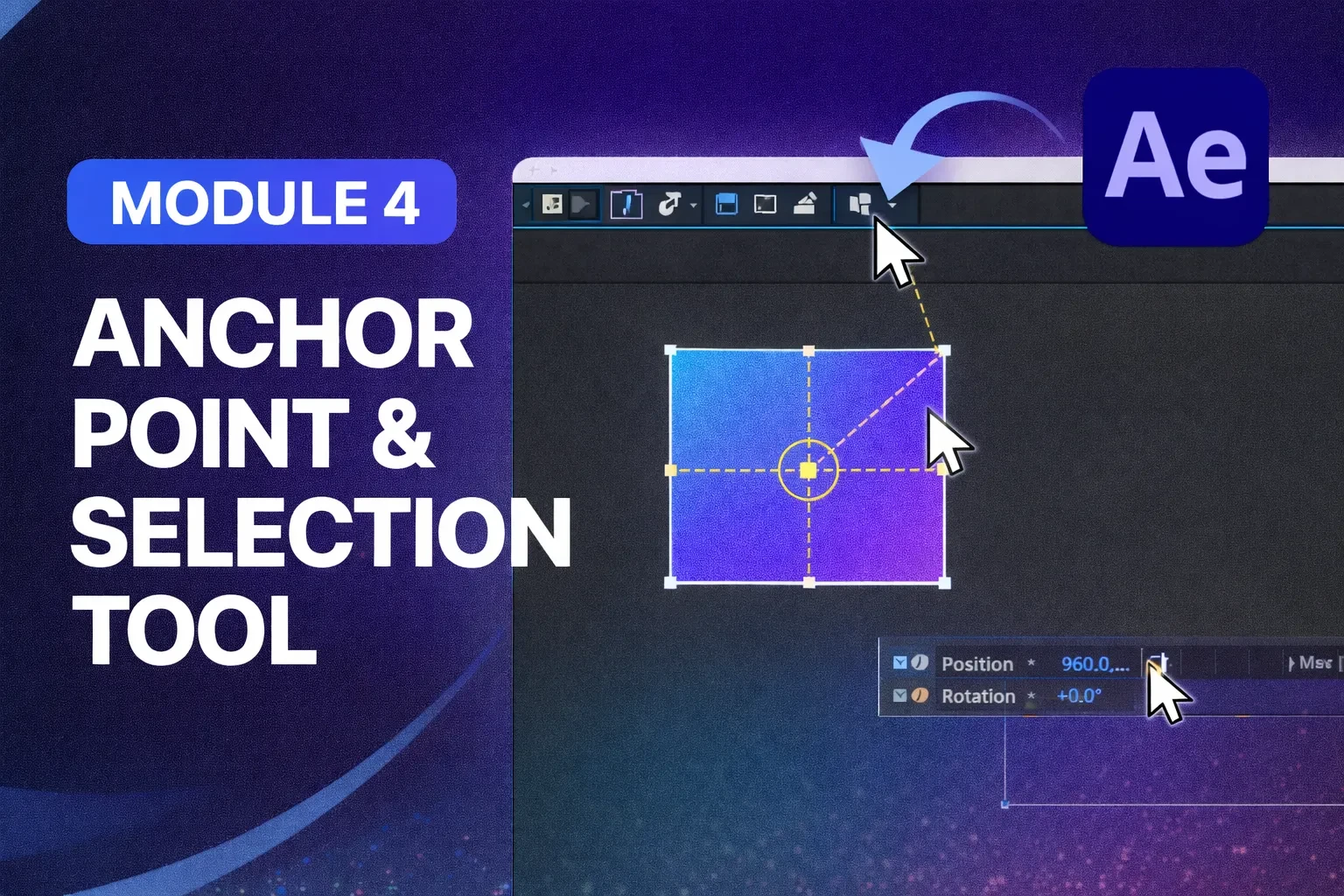
Module 4: Anchor Point & Selection Tool
- 5
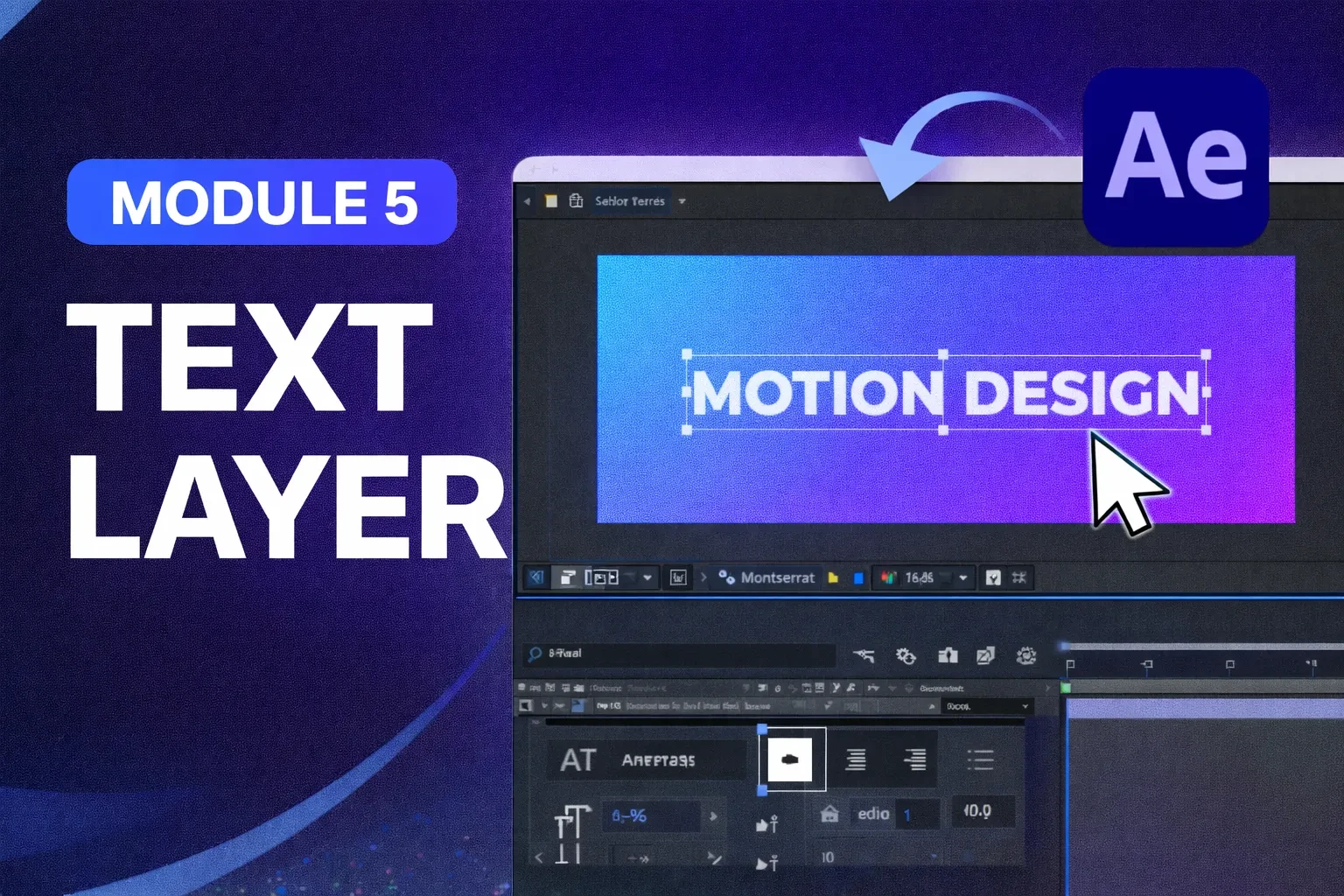
Module 5: Text Layer
- 6
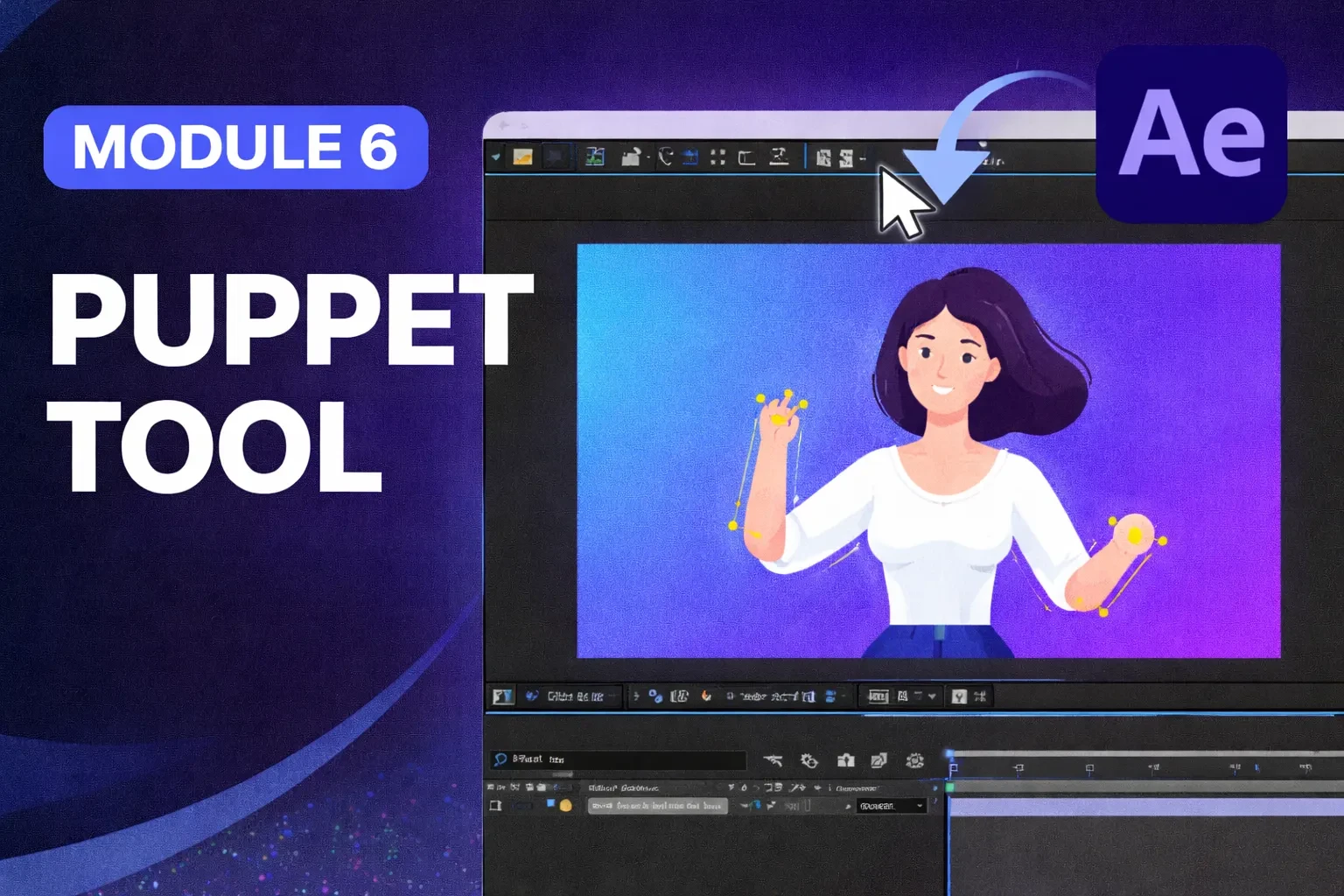
Module 6: Puppet Tool
- 7
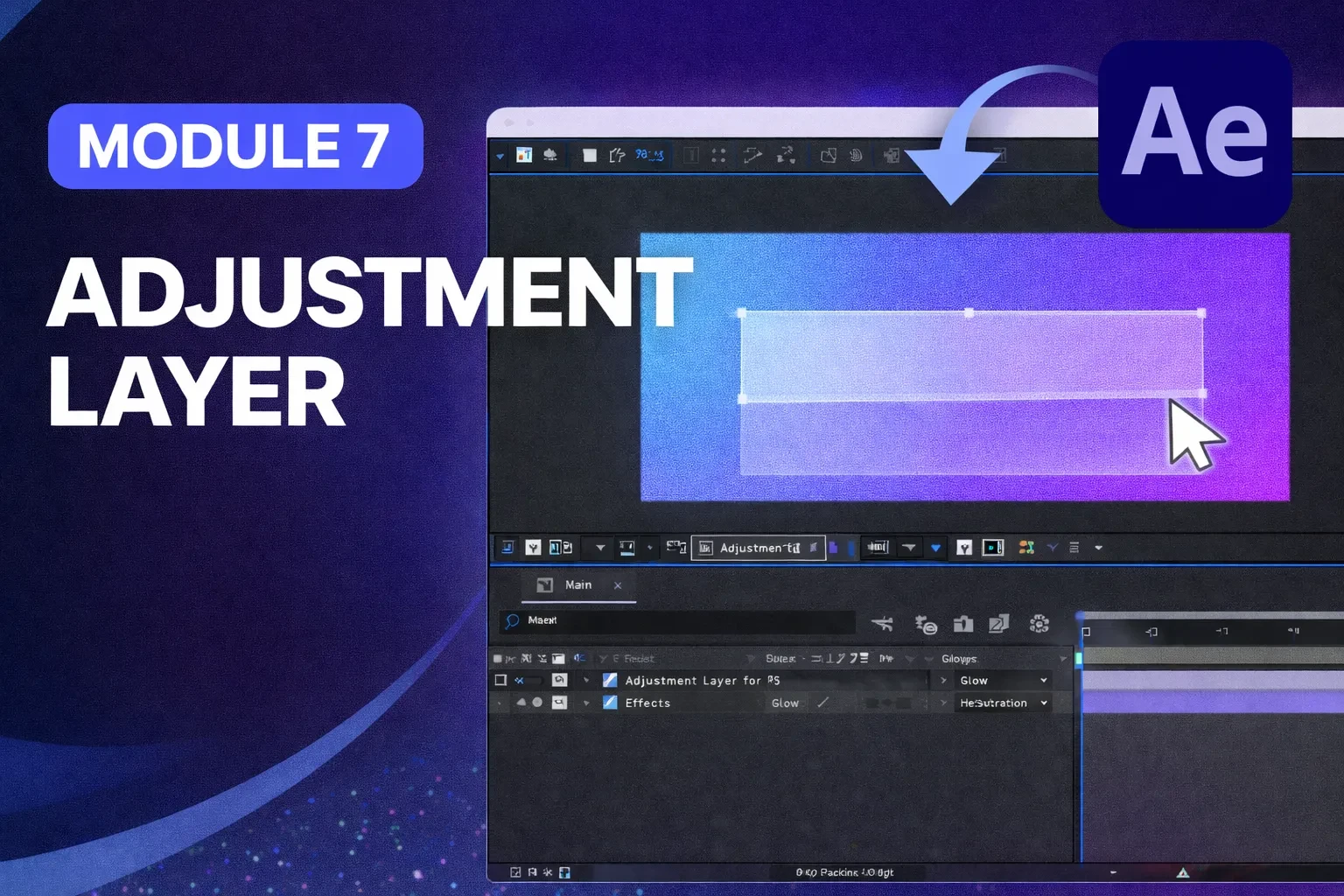
Module 7: Adjustment Layer
- 8
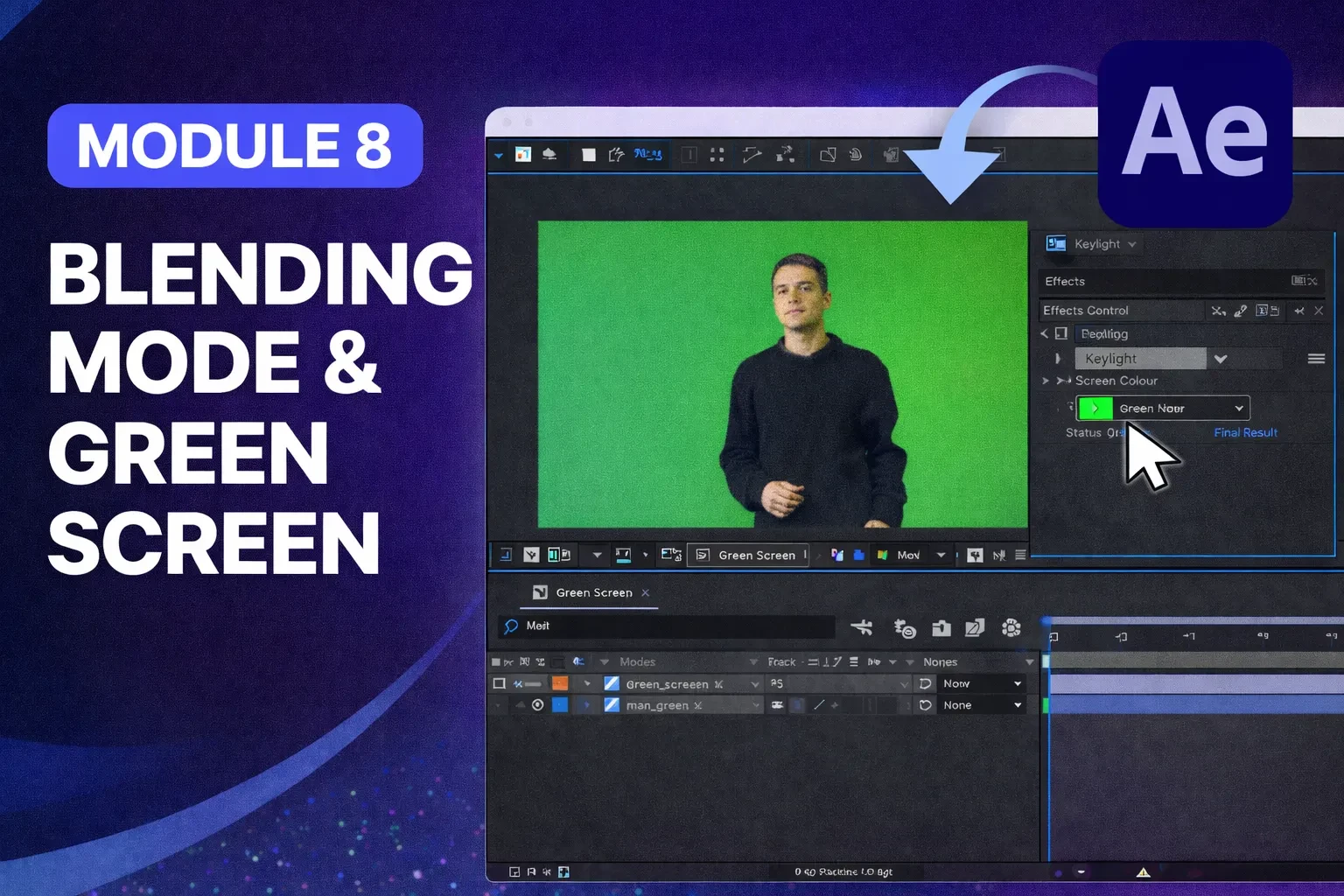
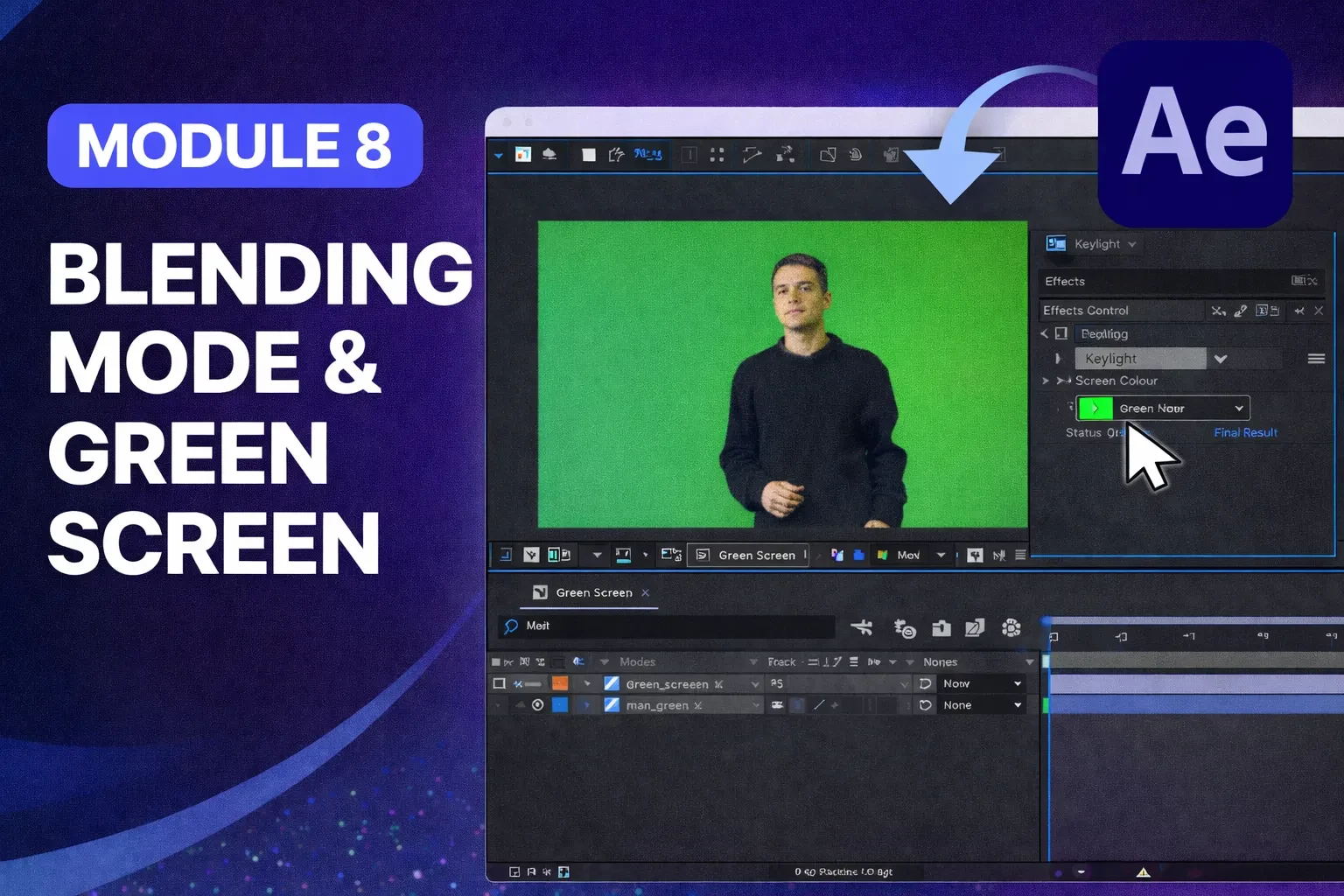
Module 8: Blending Mode & Green Screen
- 9
Module 9: Liquid Transition
- 10
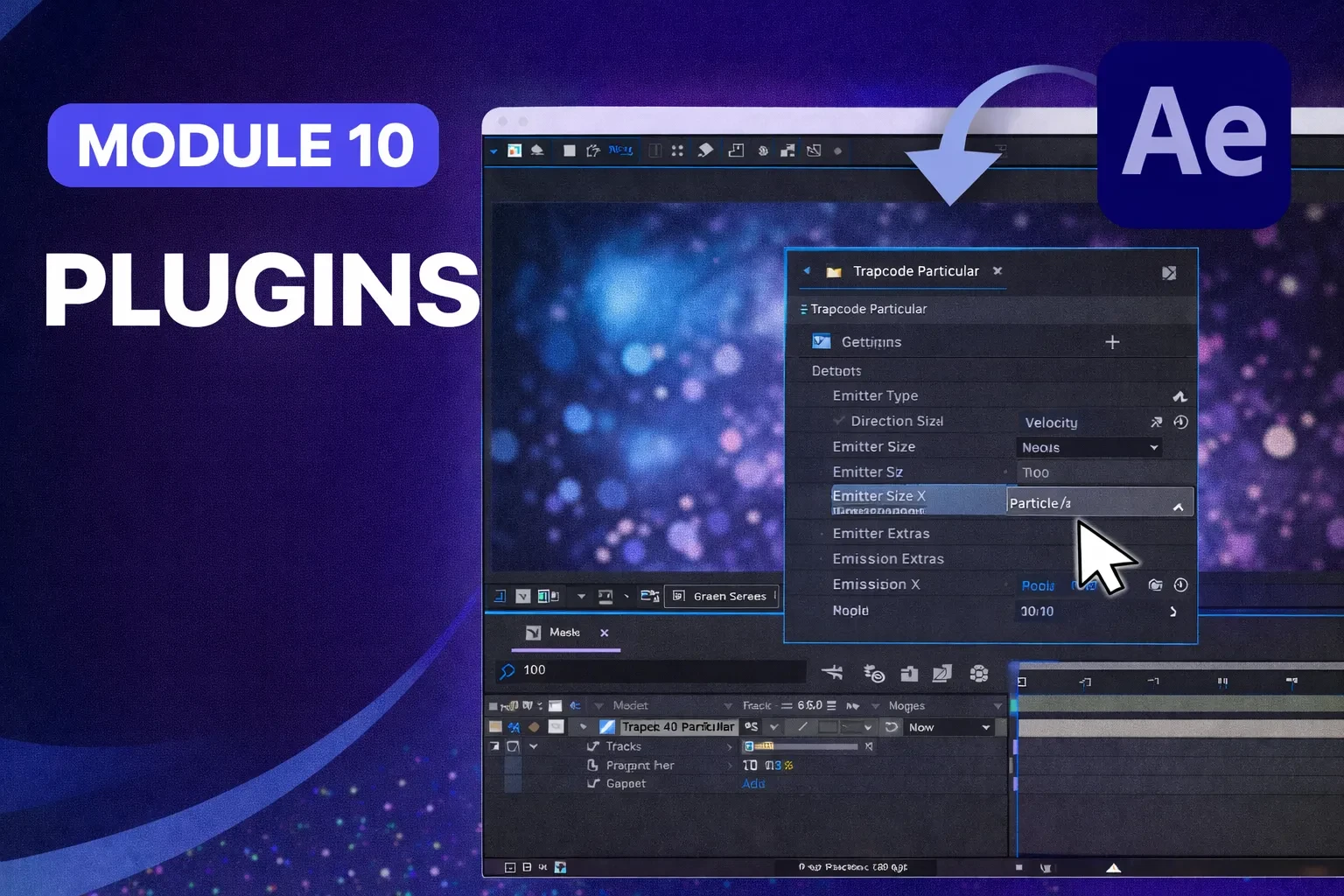
Module 10: Plugins
- 11
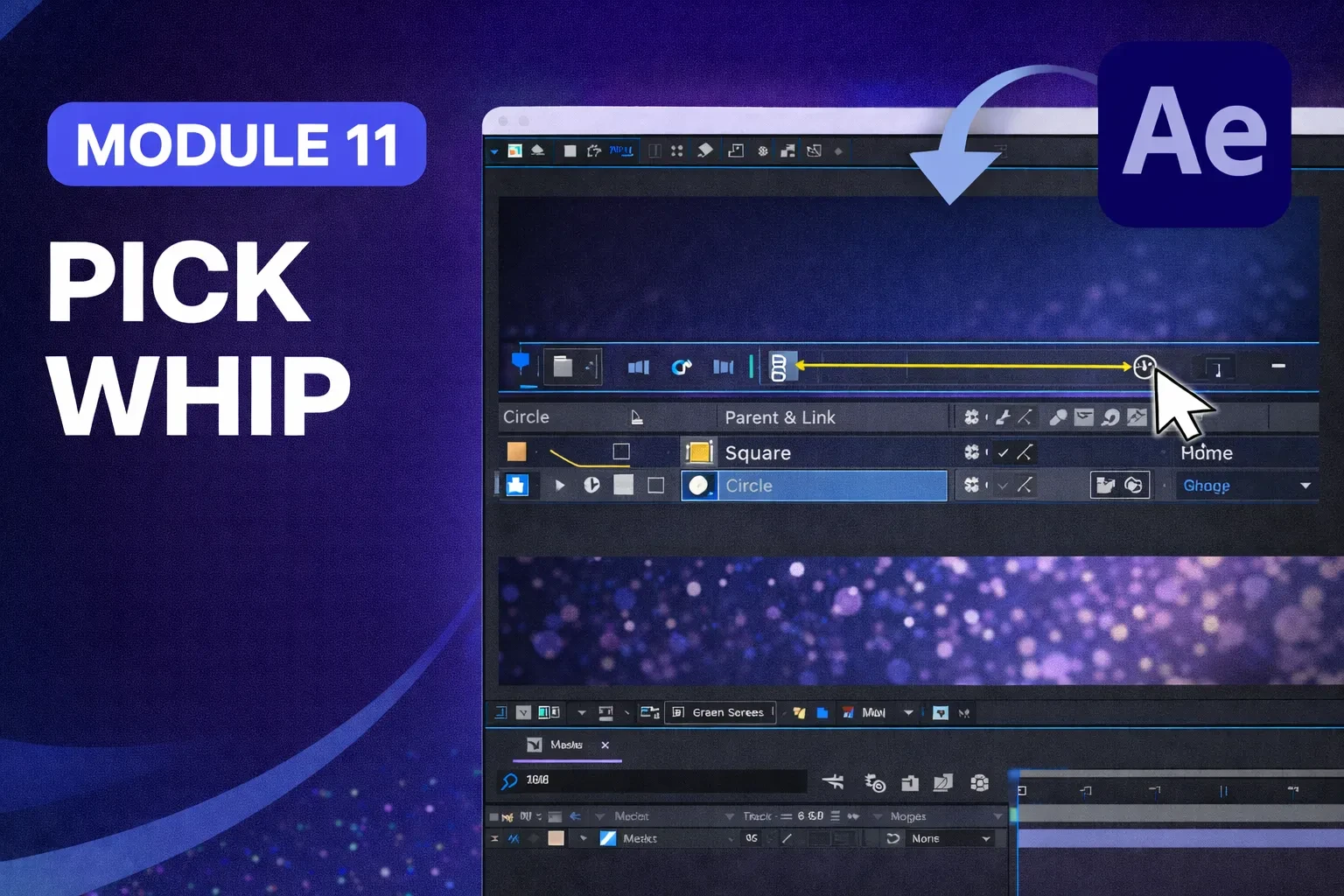
Module 11: Pick Whip
- 12
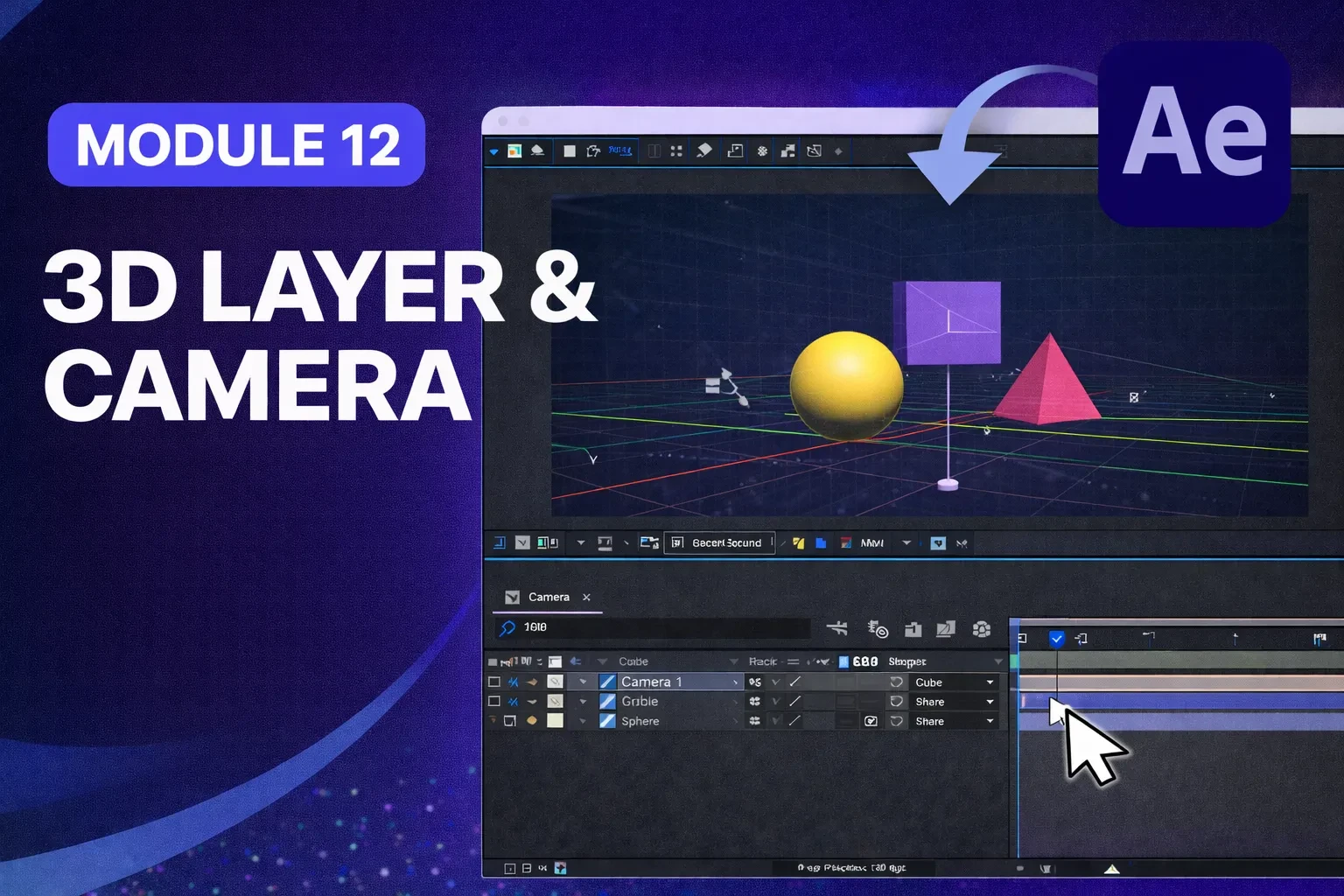
Module 12: 3D Layer & Camera
- 13
Save all Resources & Project Files

Motion Design with After Effects
By the end of the program, members will have the skills to turn static ideas into dynamic visuals and create impressive animations using After Effects from scratch. Motion Design with After Effects is a practical step-by-step course designed for beginners and aspiring creatives who want to create professional motion graphics, cinematic animations, and eye-catching visual content using Adobe After Effects. Inside this course, members will learn how to confidently navigate After Effects, understand the essential tools, and build strong fundamentals in animation and motion design. You’ll discover how to create smooth keyframe animations, text motion graphics, logo animations, transitions, shape animations, and visually engaging social media content. This course also covers important creative principles such as timing, easing, speed graphs, composition, layering, and workflow techniques that help make animations look polished and professional. Members will learn how to combine effects, use presets efficiently, organize projects properly, and export high-quality videos for platforms like Instagram, TikTok, YouTube, and client work. As the course progresses, you’ll move beyond basics and start creating real-world projects that build your portfolio and confidence. Whether you want to become a freelance editor, content creator, designer, or simply level up your skills, this course is built to help you produce motion designs that stand out.
RM 297
1 members