Zoom Preview - Step 2 - Agent Pre-Zooom Setup
About this course
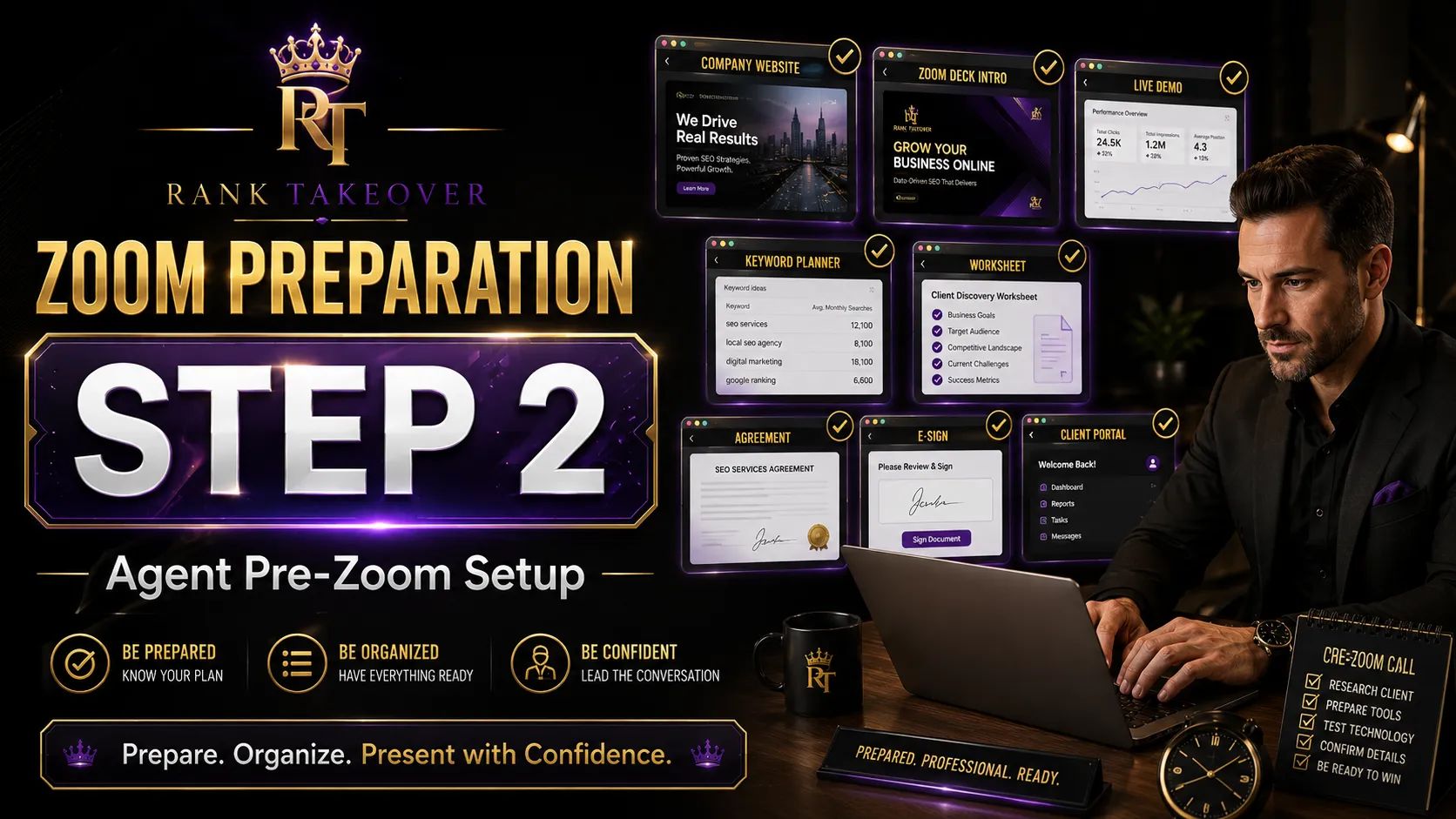
In this step, you’ll set up your desktop by clicking the icons in order. With the help of the training video, you’ll organize everything into one folder that can be opened each time you have a Zoom call, making your setup simple, smooth, and ready to execute. Watch the short instructional video, then click the image to open the tabs and organize your workspace.

Zoom Preview - Step 2 - Agent Pre-Zooom Setup
In this step, you’ll set up your desktop by clicking the icons in order. With the help of the training video, you’ll organize everything into one folder that can be opened each time you have a Zoom call, making your setup simple, smooth, and ready to execute. Watch the short instructional video, then click the image to open the tabs and organize your workspace.
Free
7 members